
Questions
How do I open my project in VS Code or a terminal?
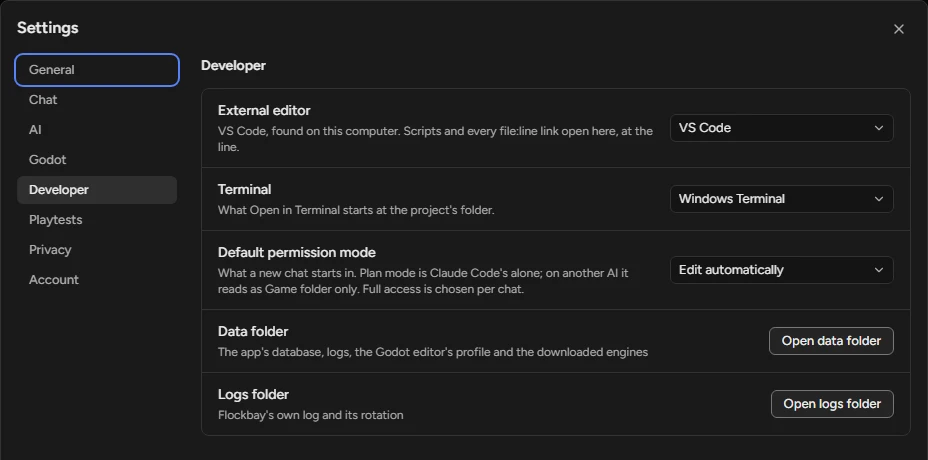
The project menu has Open in your code editor, Open in Terminal and Show in Explorer, each at the project’s folder. Settings › Developer › External editor picks the editor, and every res:// path and error line in the chat opens there at its line.
Pick the editor and terminal
- Open Settings (Ctrl⌘+,) › Developer.
- Under External editor, pick VS Code, Cursor, Windsurf, Rider, Zed, Godot’s Script editor, or Custom: a program with arguments, where
{project},{file},{line}and{col}are filled in as in Godot’s Exec Flags. - Under Terminal, pick what Open in Terminal (Ctrl⌘+`) starts at the project’s folder.
Until you choose
The external editor is the one your own Godot uses, else the first one found on this computer. Show in Explorer is Show in Finder on a Mac and Show in file manager on Linux.