
r/tycoonu/shelfmadetycoon · 3 hr. ago
Join
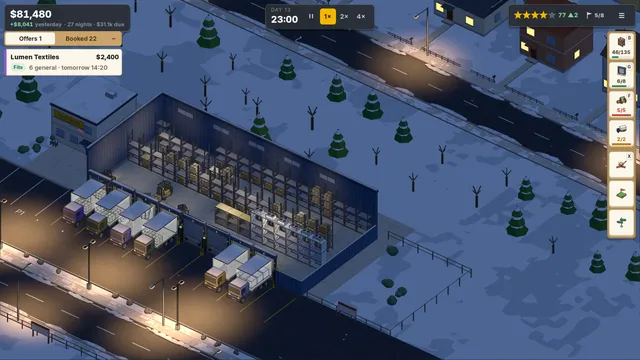
I’m making a cozy warehouse tycoon where trucks, trains and ships bring work to your door. Here’s the night shift.
1.2k
148
Share
The Godot editor with an AI agent and an MCP server built in, to build and market your game. It runs your game, reads Godot's output and fixes what breaks, then cuts trailers and Shorts from your gameplay and drafts your Steam page. Claude Code, Codex and Cursor connect over MCP.
AppImage, x86_64. Ubuntu 22.04, Debian 12, Fedora 39 or newer.
Intel or AMD Chromebook, with Linux turned on.
Windows 10 and 11, 64-bit · A GPU with Vulkan 1.0 or Direct3D 12, or OpenGL 3.3 · No account or credit card needed to start · Security: what leaves your machine
The 1 MB installer downloads the Flockbay setup, checks its SHA-256 and that 9560-9970 Québec inc. signed it, then runs it.
Flockbay is a desktop app for Windows, macOS and Linux. Sign up here, then send the download to your computer.
Free· Windows, macOS and Linux· Works with Godot 4.6+· GDScript and C#

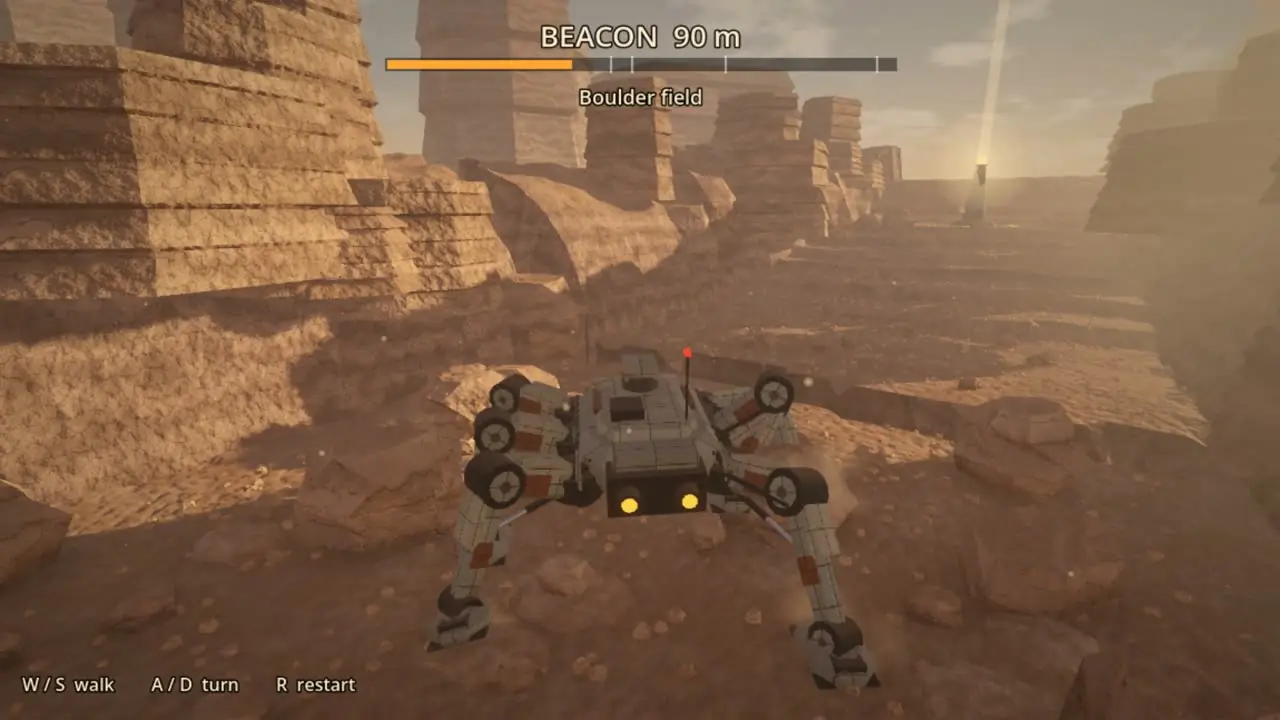
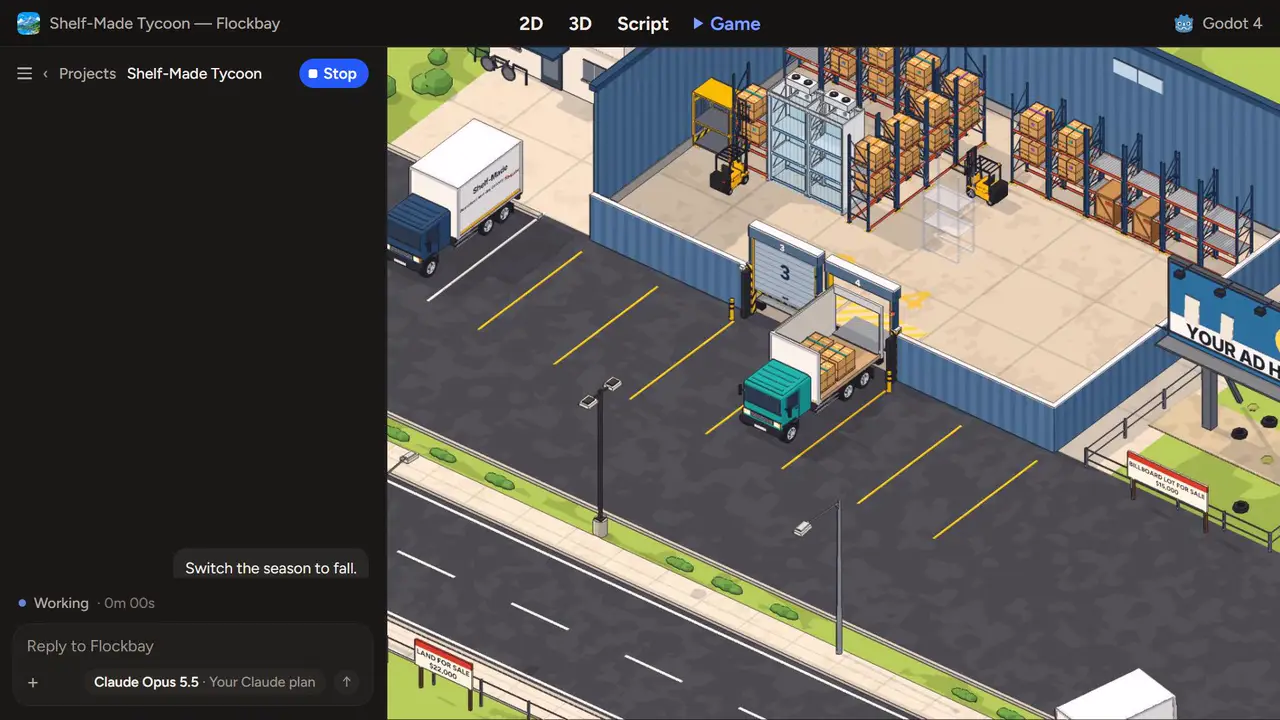
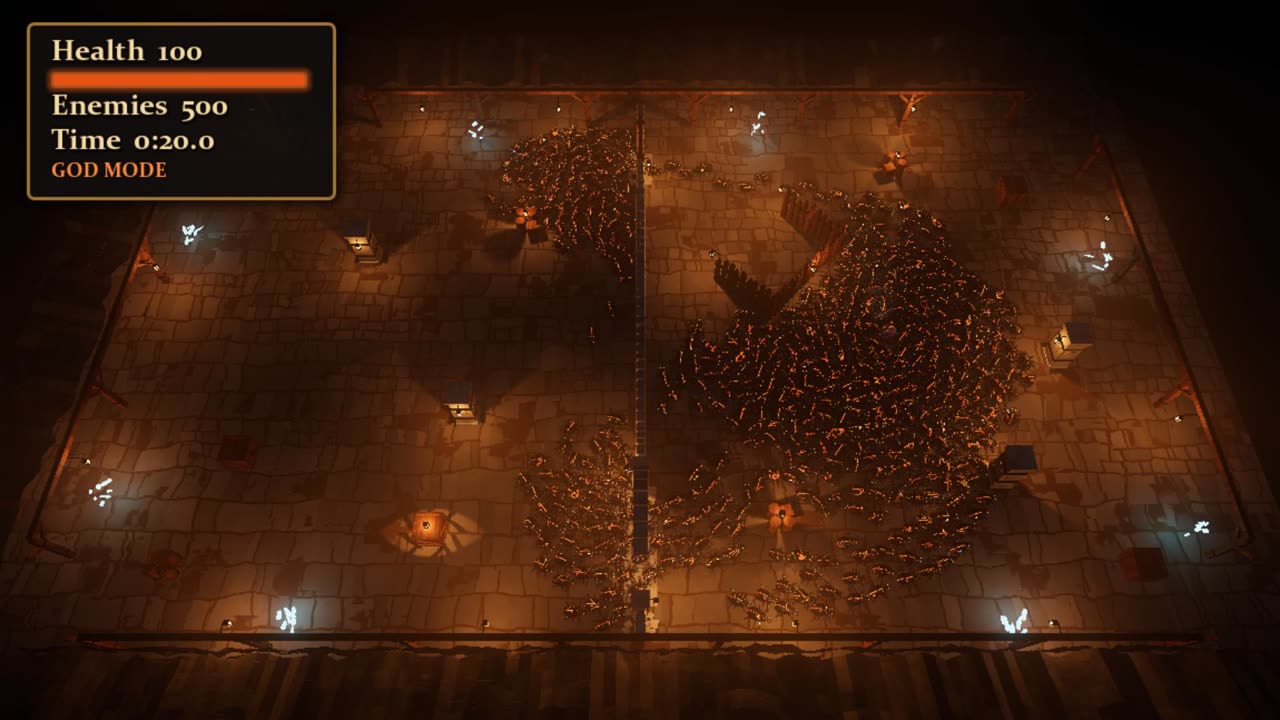
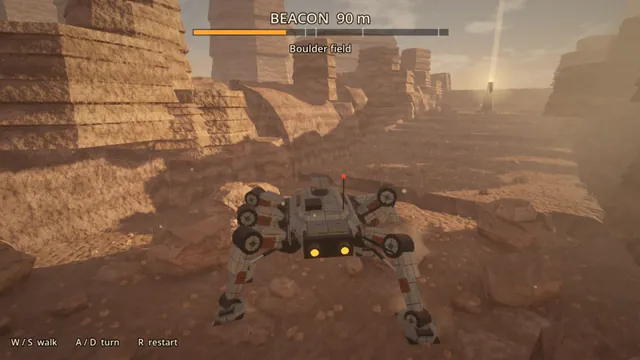
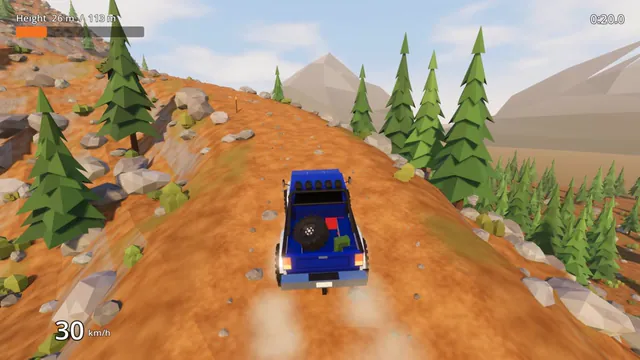
Our own game, and the games from our build logs, each a Godot project you can open in stock Godot.
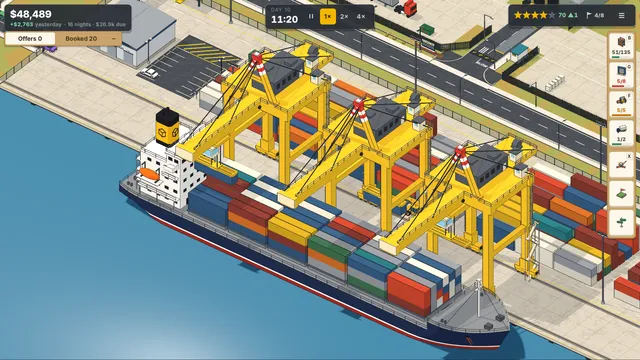
Your agent cuts one from today’s play session, writes the captions, adds music and schedules the post.
 +
+ Flockbay suggests · Video studio
About 90 seconds with music, cut from Flockbay’s recordings of your Play sessions. Ready in the background about 10 minutes after you press Make trailer.
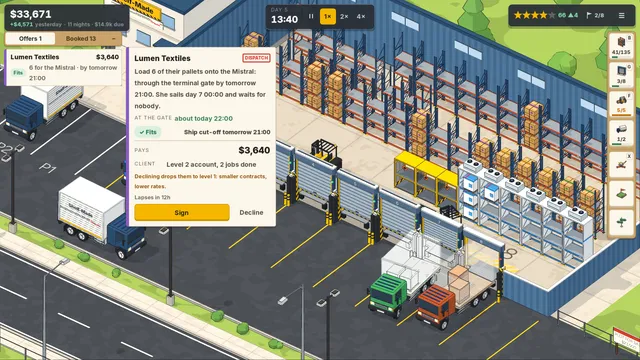
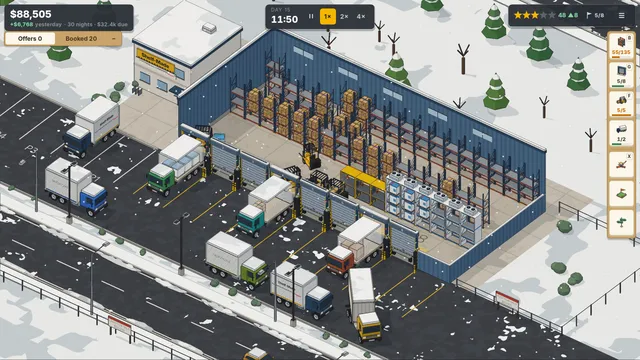
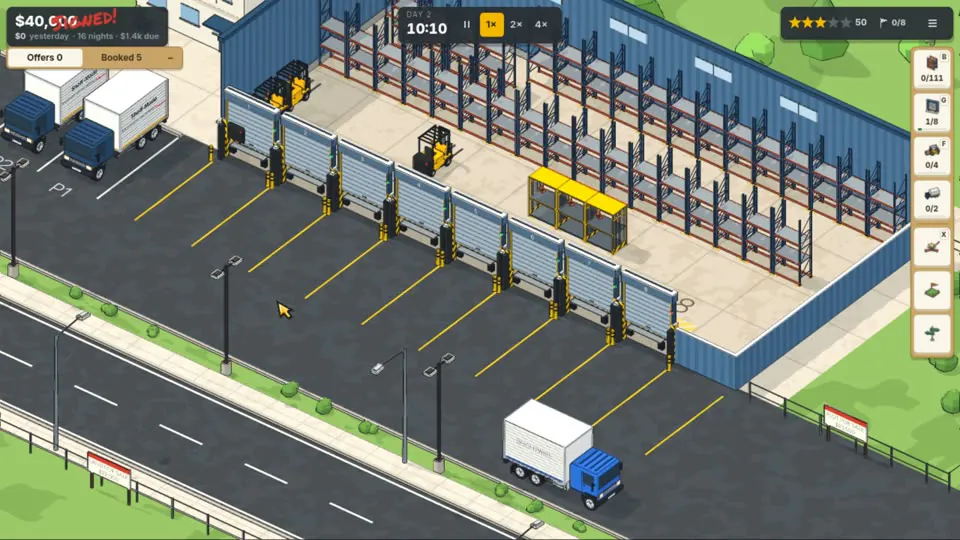
Press Make trailer and Flockbay cuts one from your Play sessions, with music and titles, in the format Steam and YouTube expect.
Your agent drafts the copy, tags, capsules and content survey, the AI disclosure included, for you to review and upload.

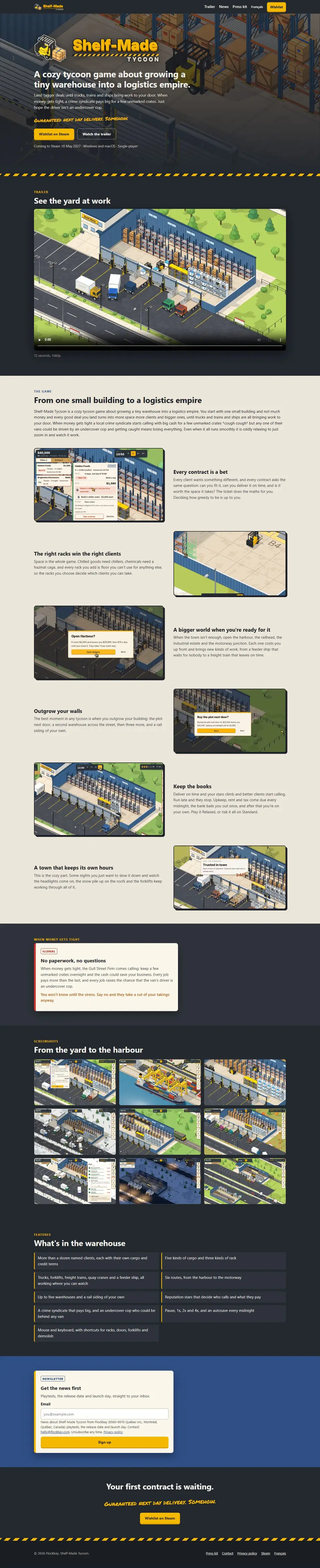
A cozy tycoon game about growing a tiny warehouse into a logistics empire. Land bigger deals until trucks, trains and ships bring work to your door.
Built from your art, trailer and store page, with wishlist buttons and an email signup, on flockbay.app or your own domain.
Shelf-Made Tycoon
shelf-made-tycoon.flockbay.app
I’m making a cozy warehouse tycoon where trucks, trains and ships bring work to your door. Here’s the night shift.
Your agent finds the communities that fit your game, reads each one’s rules and drafts updates that belong there.
Your agent writes the ads and cuts the creatives from your gameplay; you press Launch, on your own ad account.

shelfmadetycoon Grow a tiny warehouse into a logistics empire.
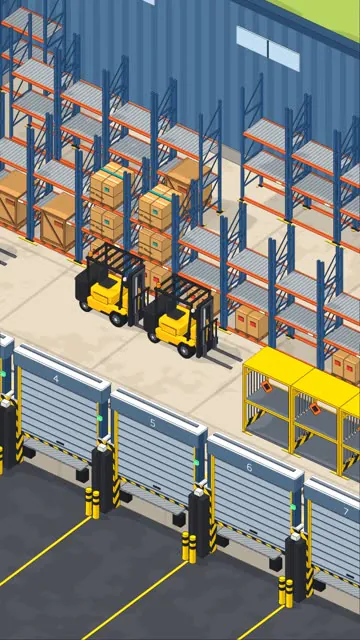
Grow a tiny warehouse into a logistics empire. Coming soon to Steam.
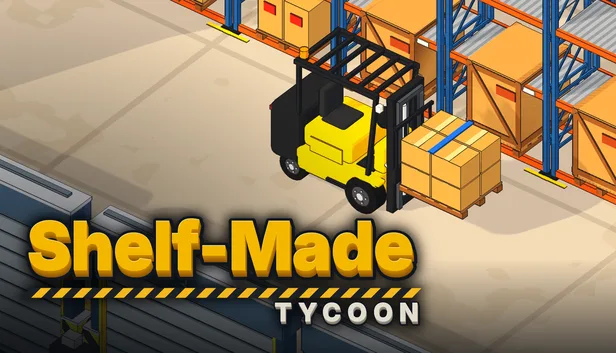 Ad · 0:15Skip ›
It plays with input events, reads the live scene tree, the profiler and Godot’s errors, fixes what it finds and plays again.
hud._drop_note()14 to 35 per scripted demo runSigning an offer after the first morning's note had gone passed the freed note to a typed argument, and _signed_now() stopped halfway.
res://scripts/ui/hud.gd
  func _drop_note(note: Variant) -> void:
+ 	if not is_instance_valid(note):
+ 		return
Your agent compares your idea with similar games on Steam: their prices, reviews and estimated sales.
| Game | Price | Released | Reviews | Positive | Est. units |
|---|---|---|---|---|---|
| Wilmot’s Warehouse | $14.99 | 2019 | 565 | 96% | 17k–34k |
| Little Big Workshop | $19.99 | 2019 | 3,402 | 84% | 102k–204k |
| Production Line | $24.99 | 2019 | 3,485 | 82% | 105k–209k |
| Factory Town | $19.99 | 2021 | 4,498 | 91% | 135k–270k |
| Big Ambitions | $25.99 | 2026 | 14,945 | 92% | 448k–897k |
| Two Point Hospital | $29.99 | 2018 | 35,043 | 92% | 1.1M–2.1M |
96% positive at $14.99, a small cozy logistics game.
With a 10–15% launch discount. Hold $19.99 until there is more content.
Estimated units are reviews × 30–60. Prices and reviews read from Steam.
Saved to assets/Audio/Music
Your agent makes looping tracks in your game’s style, saved into your project, for you to swap for your own.
Flockbay’s own AI, your Claude Code or ChatGPT, any agent over MCP, or 100+ models on a plan or your own key.
After installing Flockbay. The same line on every Windows PC.
PS C:\> claude mcp add --scope user flockbay -- flockbay mcpPS C:\> codex mcp add flockbay -- flockbay mcpIn Flockbay: Connectors › Connect your agent (MCP) › Turn on writes the line with this machine’s paths. Paste it in a terminal, then check that flockbay is listed:
% claude mcp listOn Windows:
Or add this to %USERPROFILE%\.cursor\mcp.json:
{
  "mcpServers": {
    "flockbay": {
      "command": "flockbay",
      "args": [
        "mcp"
      ]
    }
  }
}On a Mac or Linux: In Flockbay: Connectors › Connect your agent (MCP) › Turn on, pick Cursor and press Add to Cursor, or Copy and add it to ~/.cursor/mcp.json.
On Windows:
Or add the same entry to .vscode/mcp.json in your game folder, under servers.
On a Mac or Linux: In Flockbay: Connectors › Connect your agent (MCP) › Turn on, pick VS Code and press Copy, then add it to .vscode/mcp.json in your game folder.
Paste this into Claude Code, Codex or Cursor in your game folder. Your agent checks the connection and reads the project before it changes anything.
Connect Flockbay to this session. Flockbay is installed on this computer and serves Godot tools over MCP.

1. Register its MCP server once, for my user. On Windows, in Claude Code run: claude mcp add --scope user flockbay -- flockbay mcp
   In Codex run: codex mcp add flockbay -- flockbay mcp
   In Cursor, add this to ~/.cursor/mcp.json: {"mcpServers":{"flockbay":{"command":"flockbay","args":["mcp"]}}}
   If the terminal says flockbay is not found, tell me to open a new terminal and start again there.
   On a Mac or Linux there is no flockbay command: ask me to paste the line the Flockbay app writes for this machine (Connectors › Connect your agent (MCP) › Set up › Turn on › Copy).
2. Check it: `claude mcp list` or `codex mcp list` lists flockbay. If flockbay is listed but the flockbay_status tool is its only tool, ask me to open the Flockbay app with this game and turn on Connect your agent (MCP), then start a new session.
3. Call flockbay_project_info and tell me in a few lines what this Godot project is: its main scene, its autoloads and the scripts that run the main loop.
4. Change nothing yet. Ask me what to work on.Free on your own Claude Code, Codex, Cursor or API key. Flockbay sets no limit of its own; your plan’s limits apply.
Quickstart: your existing Godot project
flockbay · flockbay_run_headless(script: "res://tools_tmp/seed_search.gd", seconds: 60)
Ran res://tools_tmp/seed_search.gd headless: it quit by itself with exit code 0 after 0.02 s of game time (frame 1 of 3600).
0 errors and 0 warnings.
[3] seed 1 moves [0, 1, 2] (3 X moves)
[4] seed 2 moves [0, 7, 3, 6] (4 X moves)
[5] seed 3 moves [0, 7, 6, 8] (4 X moves)
flockbay_game_input and captures the viewport with flockbay_game_screenshot.The full Godot editor, opening in Minimal with Standard and Full one switch away. Works with Godot 4.6+, and Godot, standard and .NET, is included.
Claude, ChatGPT, or any agent over MCP.
Every major AI provider, on a plan or your own API key.
A library of Godot add-ons your agent finds and installs.
Blender built in. Your agent models props and characters in it.
Placeholder models from Tripo, on your own key. Swap in your own.
Use your own ElevenLabs key for music, sound and voice.
Push, pull and add collaborators from the editor.
The command palette, slash commands, permission modes, Review changes and your own code editor.
Every action in the window, by name.
/model, /compact, /undo and /review at the start of a message; @ adds a file or asset.
Plan mode, Ask before edits and Edit automatically, with Full access in the menu.
Every file a turn changed, with Revert per hunk and per file, and Revert this turn.
Normal, Thinking or Verbose.
Open a chat beside this one, then move between them with Ctrl⌘+1 and Ctrl⌘+2.
Open in VS Code, Cursor, Rider or Zed, or Open in Terminal at the game’s folder.
Copies the claude --resume line for the chat.
--open-game opens or creates a project; --your-own-agent on turns on MCP and prints the setup lines.
Commit, push and pull with Git and GitHub. Ctrl⌘+Enter commits.
Install Flockbay’s skills and hooks for Claude Code and Cursor.
The app, Godot and your own AI cost nothing, and Flockbay’s AI is free every day; plans add more hosted AI and the full publishing tools.
Everything you need to build your game and start marketing it.
More hosted AI, stronger models and the full publishing tools.
More social accounts, ad accounts, websites and playtest links, for teams shipping more than one game.
One prompt, one model, played and reviewed, as a video and a write-up.
A weekly pick of indie games, many of them made by solo developers.
Indie games worth playing.

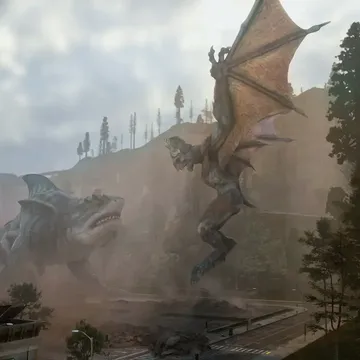





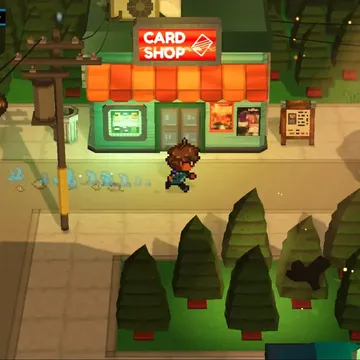

MIT licensed, 2D and 3D in one editor, GDScript and C#, and exports to desktop, web and mobile.
What Flockbay is, what it costs, and what it does with your project.
We build Flockbay for games worth playing: made with AI, played by people, and polished until they are beautiful. We put that in writing, along with how we will be open about AI in games.
Free on Windows, macOS and Linux. Godot 4.6+, GDScript and C#.
AppImage, x86_64. Ubuntu 22.04, Debian 12, Fedora 39 or newer.
Intel or AMD Chromebook, with Linux turned on.

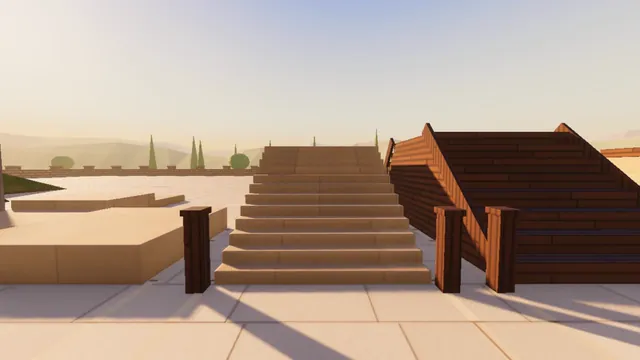
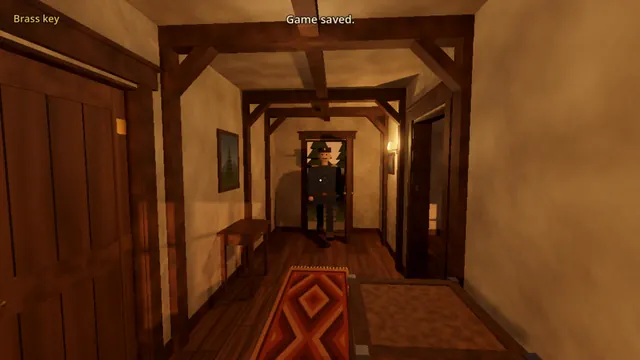
The lights on the racks at night are so cozy. Wishlisted.